Set password
This procedure applies both to the first login and when the password has been forgotten.
Step 1 – Start resetting the password
- Open the login page.
- Press Forgot password?.
- Enter your user name.
- Press Send activation code.
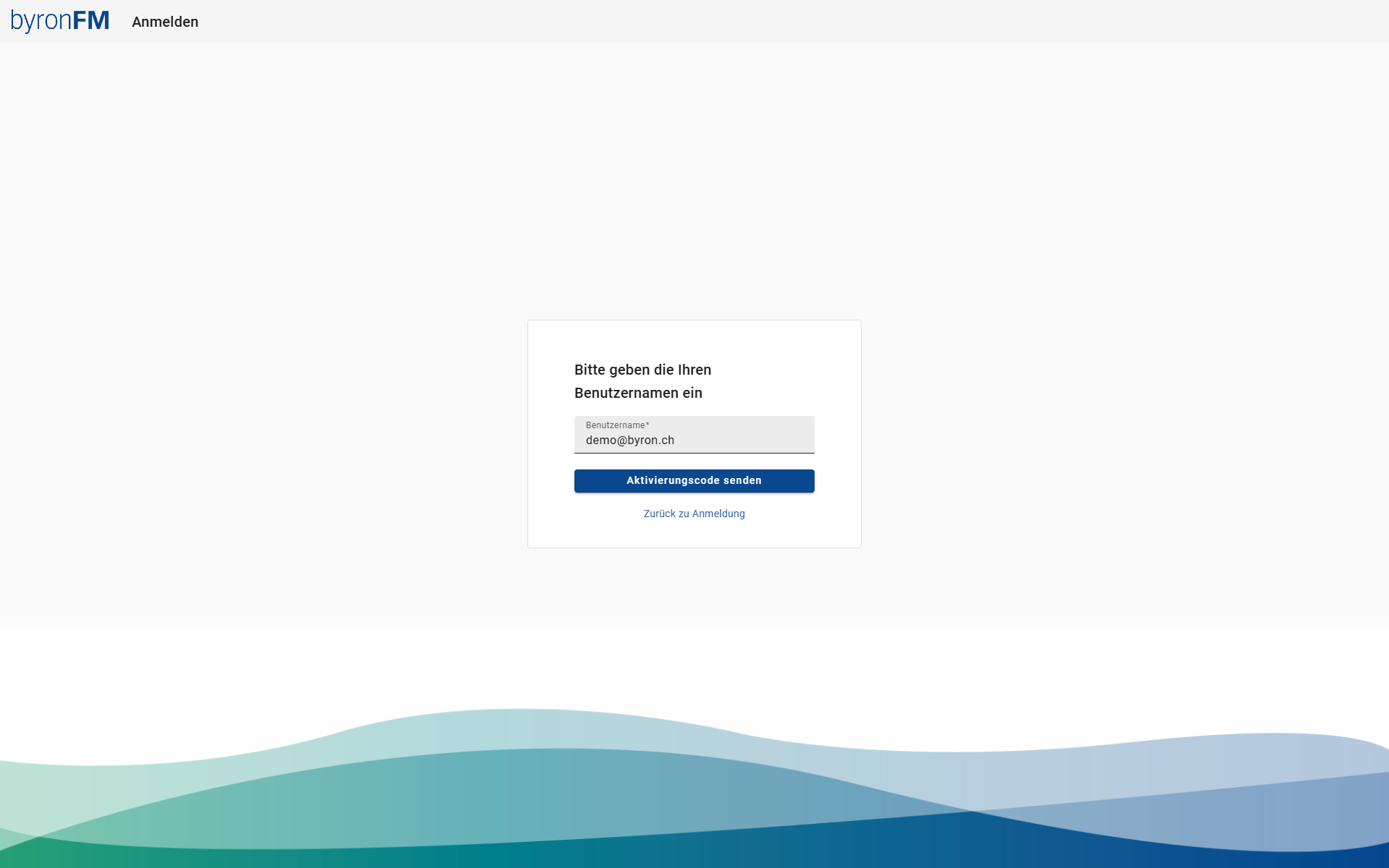
An activation code is delivered by e-mail.
Step 2 – Set a new password
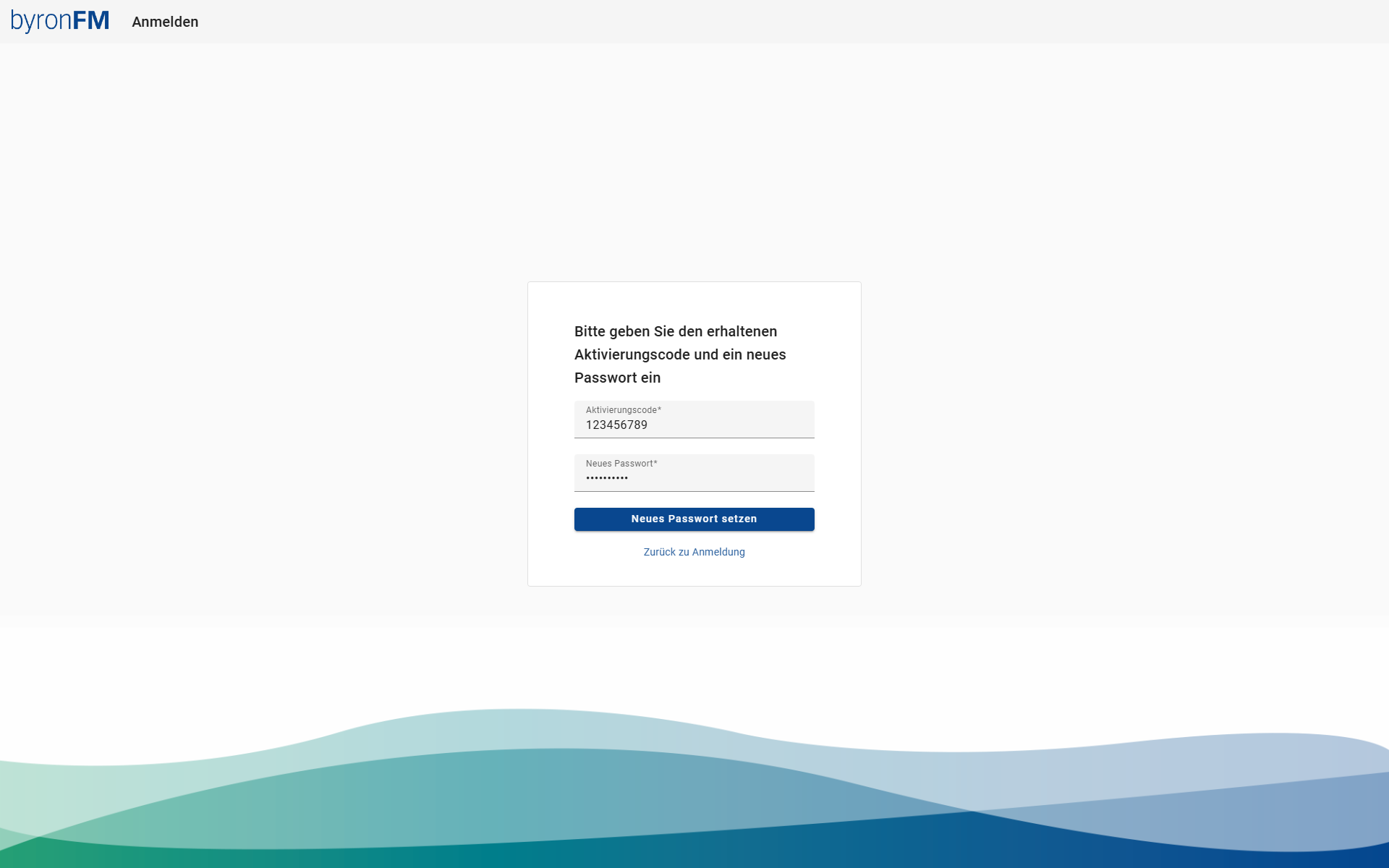
- Enter the activation code from the e-mail.
- Enter the new password.
- Press Set new password.
Password policies
| Requirement | Details |
|---|---|
| Minimum length | 7 characters |
| Upper/lowercase letters | Both required |
| Digit | At least 1 |
| Special character | At least 1 |
Step 3 – Confirmation
After the password has been set successfully, the following message appears:
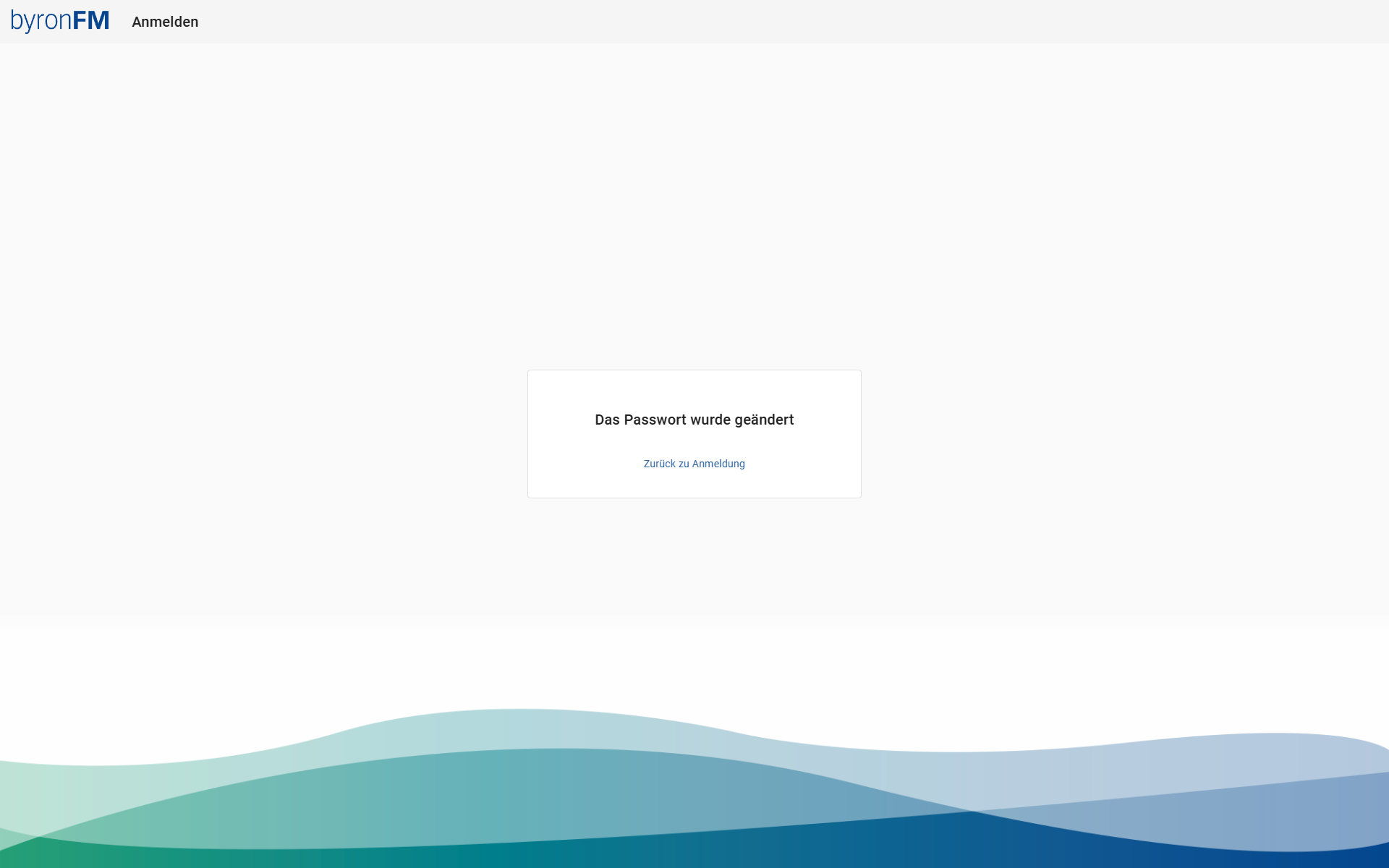
Press Back to login and log in with the new password.